
cPanel SEO users are able to personalize their accounts to include information about the primary user. This includes the user's name, company, and even custom avatars.
In order to make these changes, you can navigate to the user icon in the top right of the screen and select "My Profile"
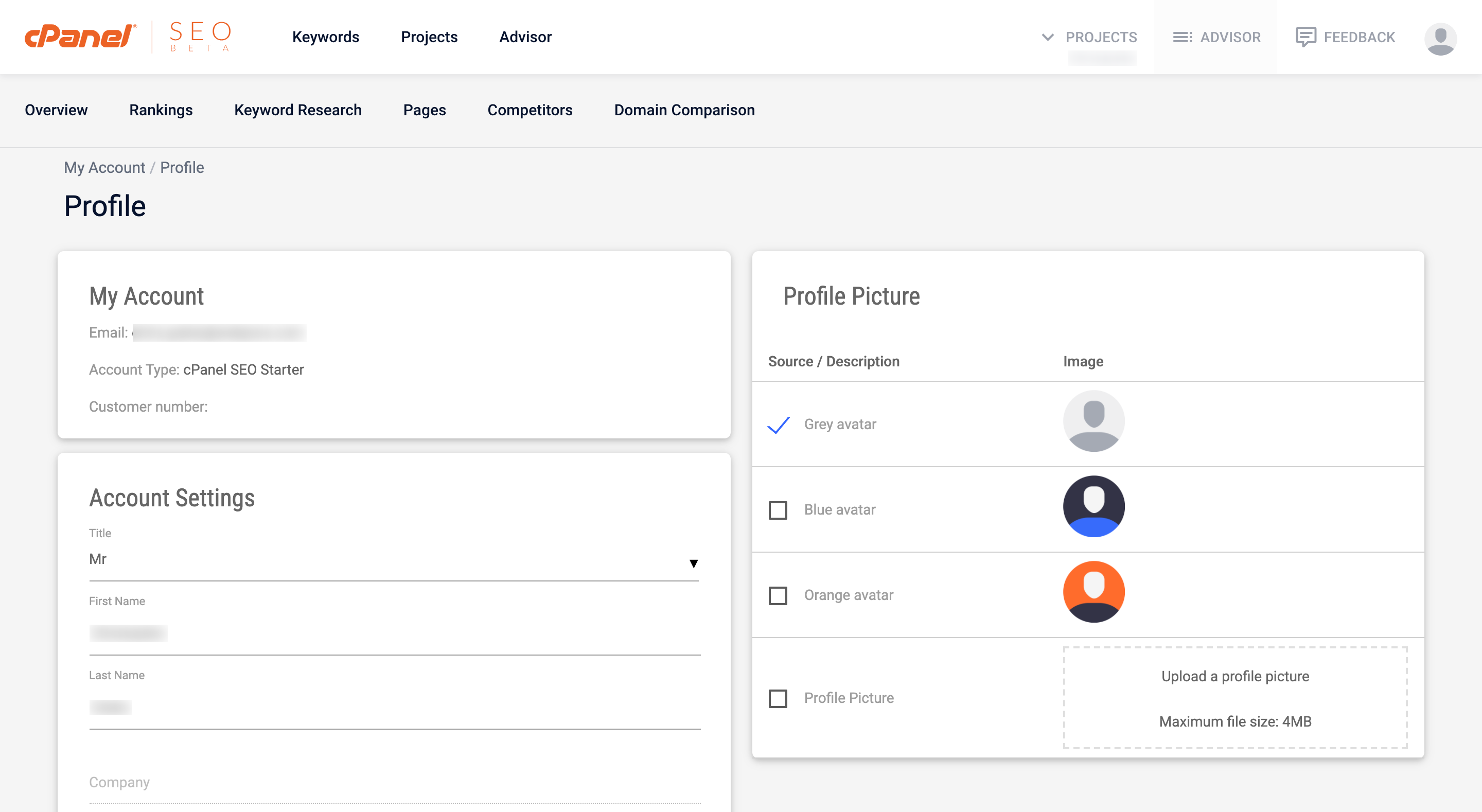
My Account
In the My Account section, you will find 3 key pieces of information about your cPanel SEO account.
- Email - This is the email account that the account is registered to and the one that you use to login
- Account Type - This is the cPanel SEO package type that is currently set up on your account
- Customer Number
Account Settings
The Account Settings section will allow you to update the personal information of the user that is working in cPanel SEO. This includes the user's title, name, and function within their organization. Please note that the "Company" field can only be updated by contacting cPanel SEO support at support@cpanelseo.net
Profile Picture
cPanel SEO users can add custom avatars to their accounts to match their brand. Several default avatars are available but users can also upload their own avatar which will replace the user icon in the top right of cPanel SEO.
Comments
0 comments
Article is closed for comments.