
In the cPanel SEO Keywords tool, you'll find search engine dropdowns. They allow you to explore your website's rankings or research profitable keywords for a selected search engine.
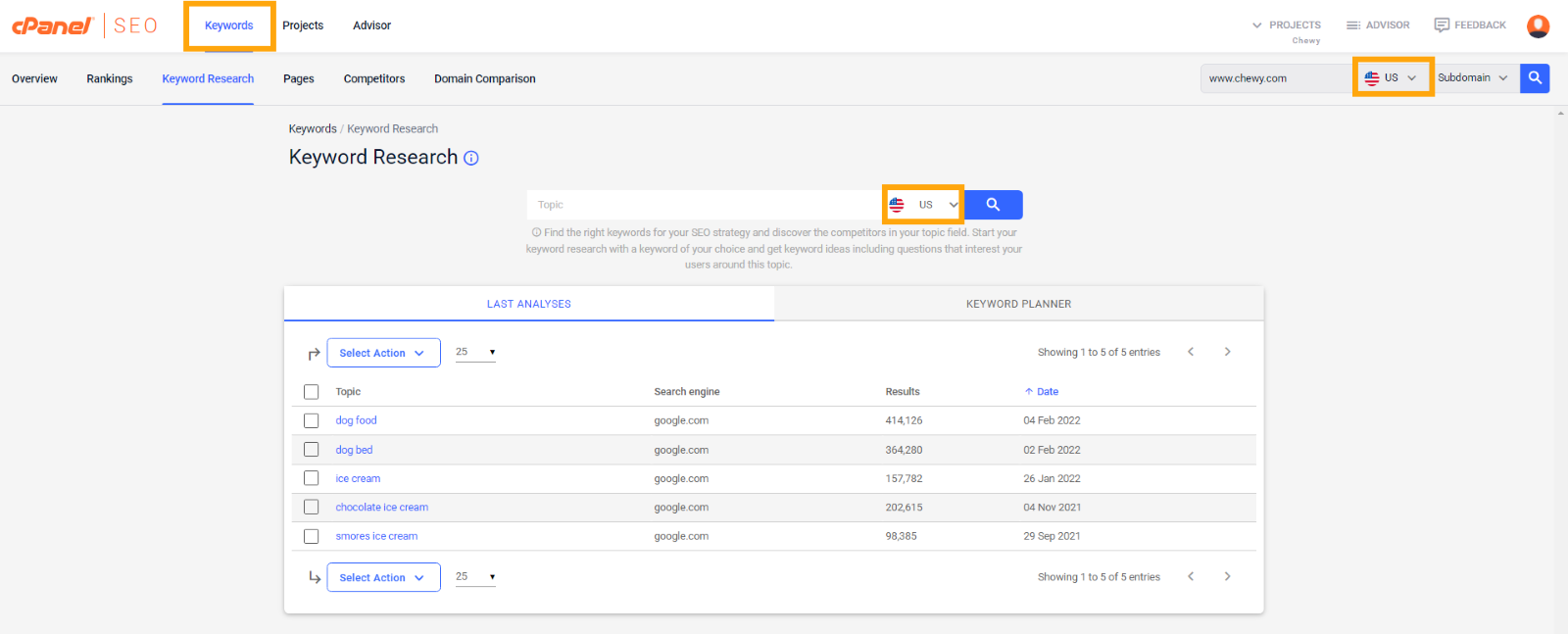
The dropdown contains all current search engines for which cPanel SEO runs keyword databases. The databases are used for everything you see in the cPanel SEO Keywords section.
Here's what you can do if your required search engine is not listed in the dropdown, depending on what your goals are:
- I want to track my rankings
In the Rank Tracker, you can track rankings for any keywords and any country. If you already know which keyword rankings you want to track, simply add them manually in Projects →Rank Tracker.
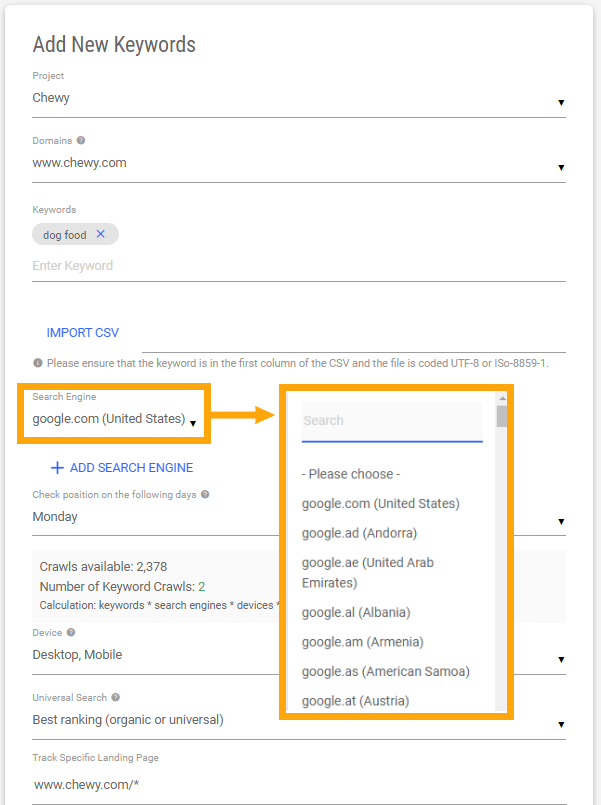
There, you’ll currently find 196 search engines (Google and Bing) for a wide range of countries. You can also add specific states or cities for local rankings.
- I want to research keywords
If you want to discover new keywords to improve upon, we ask you to choose an alternative search engine for the time being. For example, if you operate in English-speaking Canada, use google.com as search engine for Keyword Research or google.fr for French results.
Our google.com database holds more than 53M keywords and is a powerful tool for research. Keep in mind that keyword KPI such as search volume or CPC might differ. However, you will still be able to gain valuable insights and find promising keywords.
Add promising keywords to the Rank Tracker to get keyword KPI and rankings for any search engine. Remember to select the desired engine in the process (see Add New Keywords screenshot above).
Comments
0 comments
Article is closed for comments.